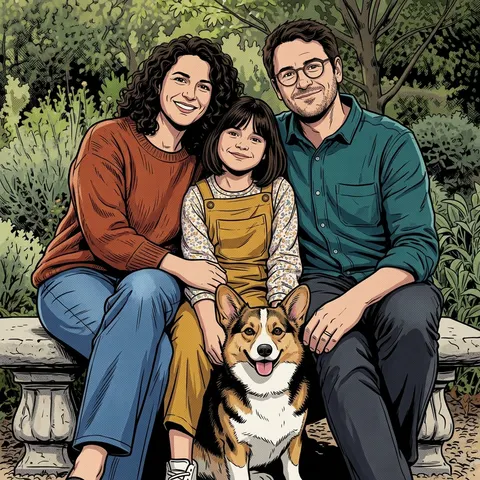
 Original
Comic Book
Your moment, in comic-book color.
Turn one photo into comic-style art. Compare bold ink shadows with pop-art halftones.
Restyle my photoStarts with Comic Book. You can change styles before generating.
How to choose a photo for AI art · Compare the existing fictional examples before you start.
Comic Book focuses on bold contours and shadow shapes. Pop Art emphasizes contrasting color and halftone dots. Neither preset adds captions or speech balloons.
OriginalYour moment, in comic-book color.
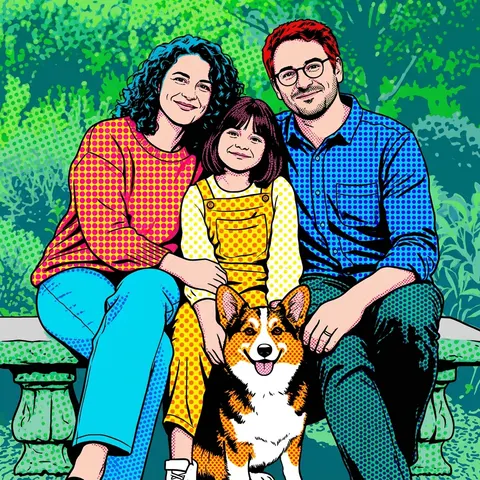 Original
Bold color with a pop-art finish.
Follow each effect’s own subject instructions. Keep the necessary faces or objects readable and review its published example.
Open a style for its actual example, input advice and limitations. Your choice carries into Create.
Check likeness and fine details before downloading your JPEG. Each new version uses one photo generation.