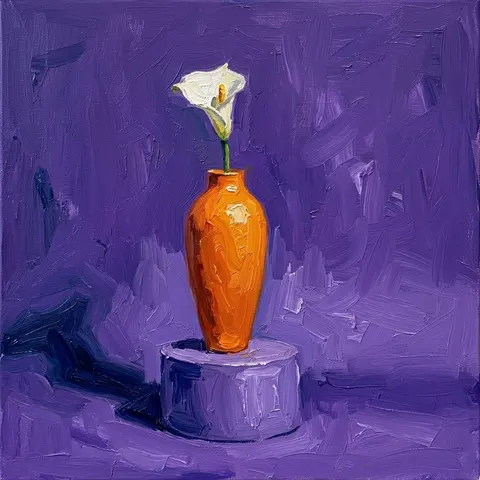
 Original
Oil Painting
Your photo, painted in rich brushstrokes.
Create a digital painting-style image from your photo. Compare oil, gouache, pastel and watercolor, then choose a look.
Restyle my photoStarts with Oil Painting. You can change styles before generating.
How to choose a photo for AI art · Compare the existing fictional examples before you start.
Oil emphasizes textured brushwork; gouache creates matte color shapes; pastel adds powdery softness. Watercolor keeps more light and exposed paper.
OriginalYour photo, painted in rich brushstrokes.
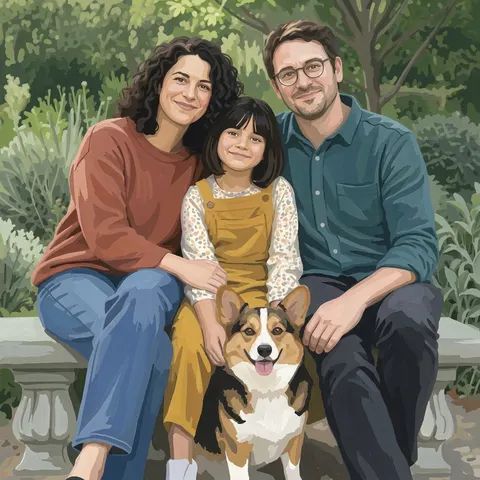
 Original
Bold shapes with a handmade finish.
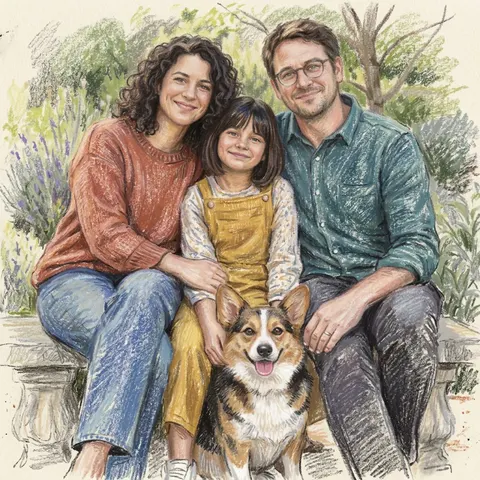 Original
A softer, warmer portrait.
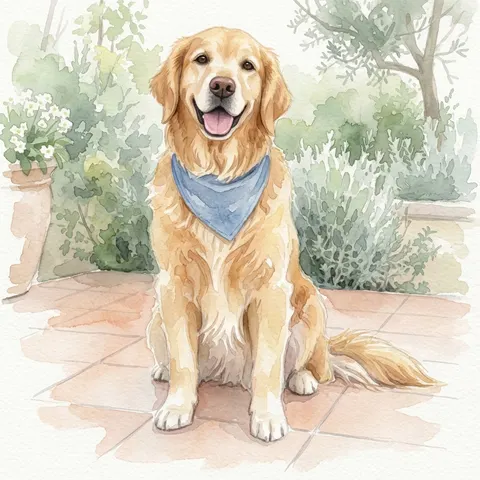
 Original
Soft washes, familiar faces.
Follow each effect’s own subject instructions. Keep the necessary faces or objects readable and review its published example.
Open a style for its actual example, input advice and limitations. Your choice carries into Create.
Check likeness and fine details before downloading your JPEG. Each new version uses one photo generation.