Cat
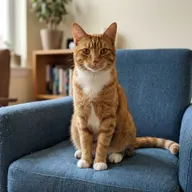
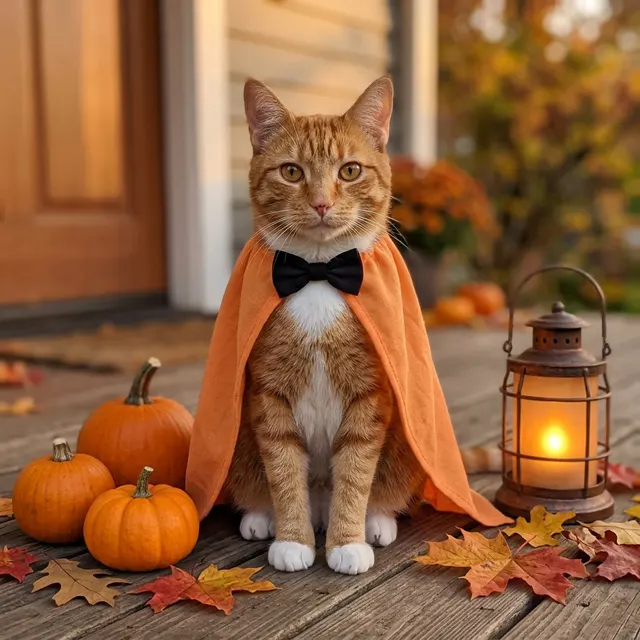
An orange tabby with white chest and paws becomes a caped porch portrait. Fur markings and small scene details can still change.
Turn one pet photo into a cozy Halloween portrait with a soft orange cape and pumpkins. One AI image; fur details and likeness may vary.
Start with a photo. Sign in when you’re ready to create.
Go to photo field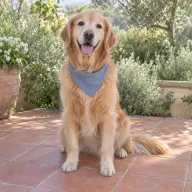
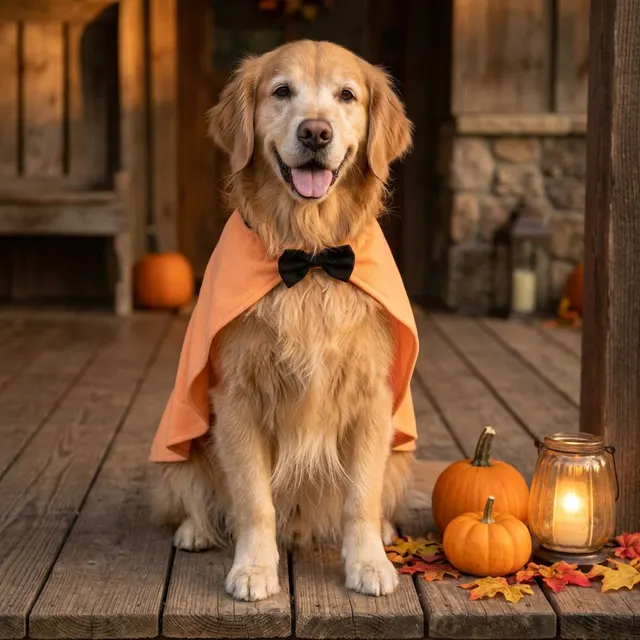
Your result may vary.
AI-generated example from an existing reference. Your result will vary.
This is a virtual costume in an AI image, not a real garment or pet-safety assessment. Fur, anatomy, cape and scene details may change. The fictional golden retriever, cat and pug examples do not guarantee results for every breed or species. In the busy-background example, standing changes to sitting; the original pose is not preserved.
The example shows the golden retriever in a soft orange cape and black bow beside porch pumpkins, leaves and a glowing lantern.
Compare another direction: Halloween Portrait · Watercolor · Pet Astronaut Portrait.
Before choosing a reference, learn how to choose a photo for AI art. Match the photo to this effect’s input instructions and check details before saving.
Each pair uses an AI-created reference, not a customer photo. These are individual examples; your result can differ.
An orange tabby with white chest and paws becomes a caped porch portrait. Fur markings and small scene details can still change.
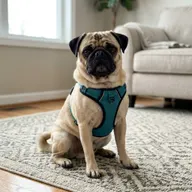
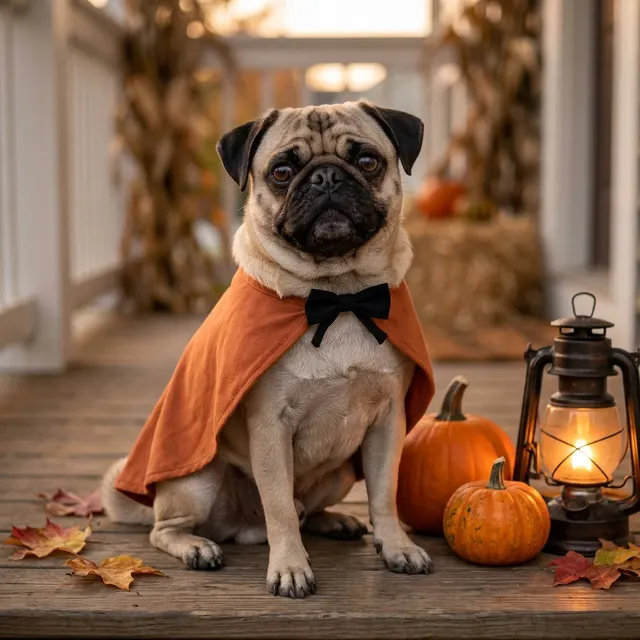
The short muzzle, dark face mask and visible paws remain; the harness is replaced by a cape. This is one fictional dog example.
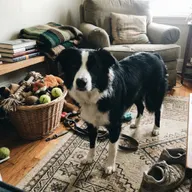
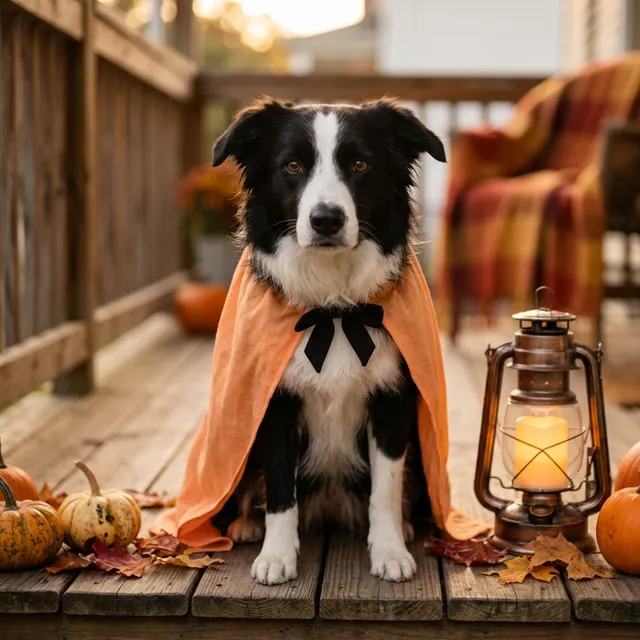
The dog is separated from a busy room, but standing changes to sitting. The original pose and room are not preserved.
Start with one clear pet photo you have permission to edit. The main example uses a fictional golden retriever; additional examples show a fictional cat and pug. Busy backgrounds and pose preservation remain limited.
The selected style supplies the direction. More options lets you add a note and choose square, portrait or landscape. Sign in if needed, check the displayed allowance, then explicitly choose Create.
Check the pet's face, ears, fur markings, paws and costume edges before downloading.
No. The recipe adds a virtual cape and a pumpkin-porch setting. It does not ship a costume or give instructions for dressing a real animal.
Halloween Portrait is the separate adult-photo task. Watercolor is another way to present a pet photo, using painted washes instead of a virtual costume.
One generation creates one JPEG image. Photo packs start at $4.99 for 10 generations. Choose square, portrait or landscape. Another version uses another generation. A confirmed failed or blocked creation returns its reserved allowance.
Your photos and results are private to your account. They are processed to create and safety-check your image, and are not published in a public gallery. Read our privacy page for service providers and retention details.