Selfie-style photo · Default
Limited example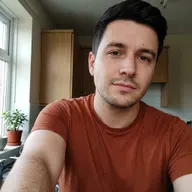
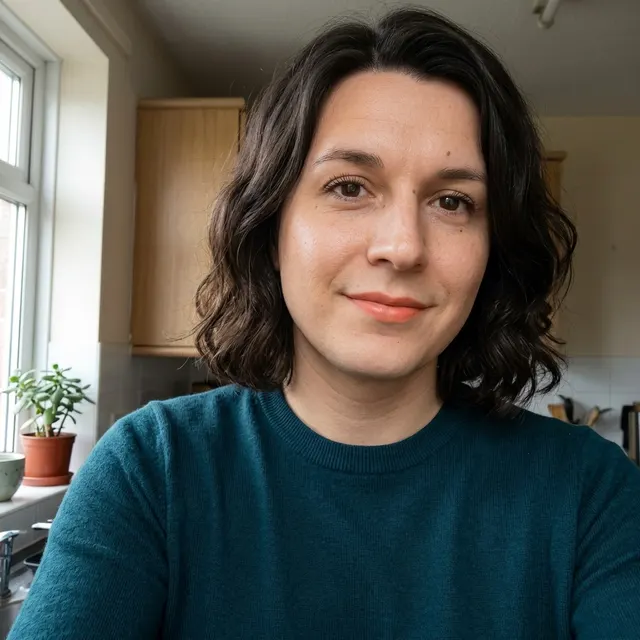
Default direction on a fictional selfie-style input. Clothes and head angle change along with the styling.
Choose a presentation with the direction buttons, then reimagine one solo photo with different hair, grooming and clothing while aiming to keep recognizable facial features. Use an optional note for extra details.
Start with a photo. Sign in when you’re ready to create.
Go to photo field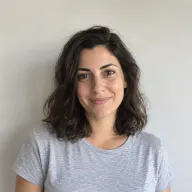
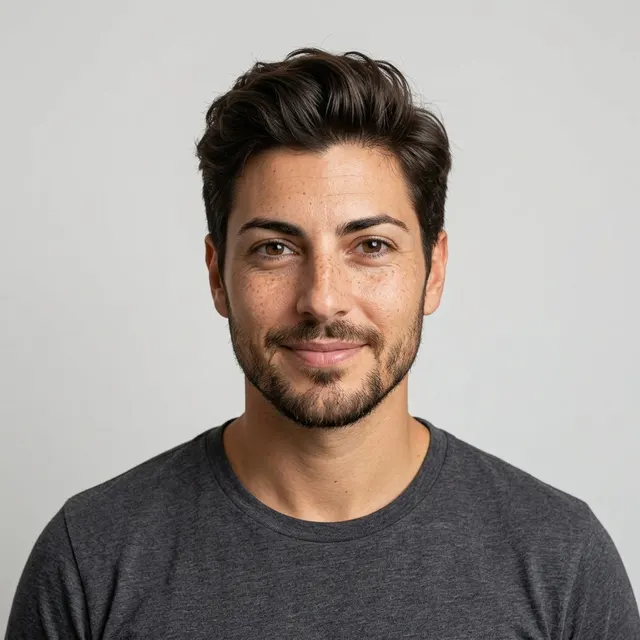
Your result may vary.
Actual model output from an AI-created reference. Fictional people; your result will vary.
Designed for one person and a static JPEG. Hair, grooming and facial details may change; recognizable likeness is an aim, not a guarantee.
Actual model output from an AI-created reference. Fictional people; your result will vary.
Compare another direction: Pastel Pink Hair Preview · 80s Portrait · Black and White Studio.
Before choosing a reference, learn how to choose a photo for AI art. Match the photo to this effect’s input instructions and check details before saving.
Each pair uses an AI-created reference, not a customer photo. These are individual examples; your result can differ.
Default direction on a fictional selfie-style input. Clothes and head angle change along with the styling.

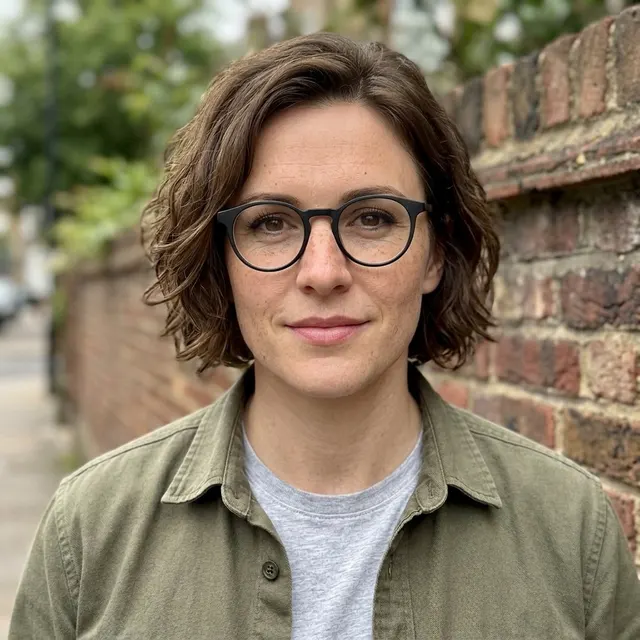
Feminine requested, with a note to keep glasses and freckles. Both remain visible; hair and grooming change.
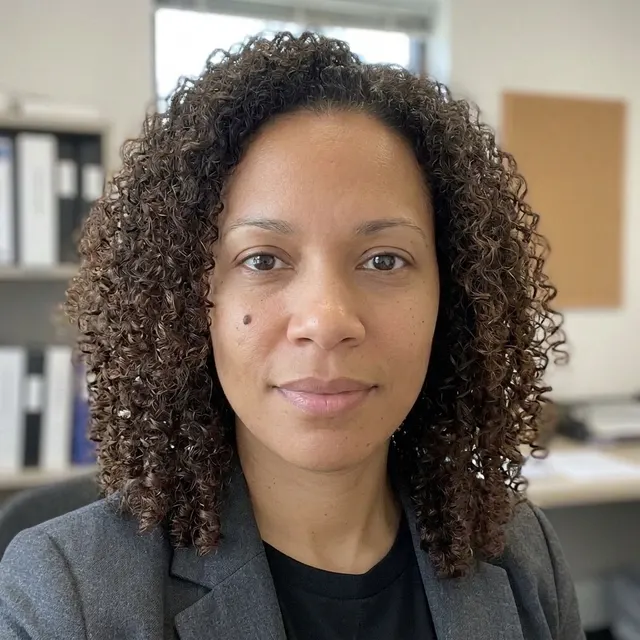
Androgynous requested, keeping curls and the cheek mole. Subtle change: mainly a blazer; no dramatic transformation is demonstrated.
Use the Default, Masculine, Feminine or Androgynous buttons above the upload. Default requests a contrasting visual presentation. Your choice appears in the request confirmation.
Upload one clear solo portrait. Open More options for extra details to keep or change and for square, portrait or landscape. Your handwritten note supplements the selected presentation.
Sign in if needed, review the displayed allowance and explicitly choose Create. Inspect facial likeness, glasses, hair and clothing before downloading. Each additional generation is a separate attempt.
Yes. Choose Default, Masculine, Feminine or Androgynous using the presentation buttons above the upload. Default asks for a contrasting visual presentation. More options lets you add extra requirements, such as keeping glasses or freckles. This is an imaginative appearance edit, not a statement about anyone's identity.
The recipe aims to preserve recognizable facial features while changing the look. AI can alter likeness and fine details; review the example and inspect your own result before using it.
One generation creates one JPEG image. Photo packs start at $4.99 for 10 generations. Choose square, portrait or landscape. Another version uses another generation. A confirmed failed or blocked creation returns its reserved allowance.
Your photos and results are private to your account. They are processed to create and safety-check your image, and are not published in a public gallery. Read our privacy page for service providers and retention details.