 Original
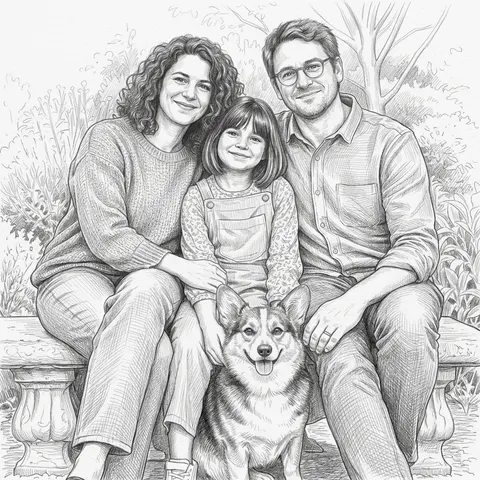
Pencil Sketch
Keep the details. Draw the moment.
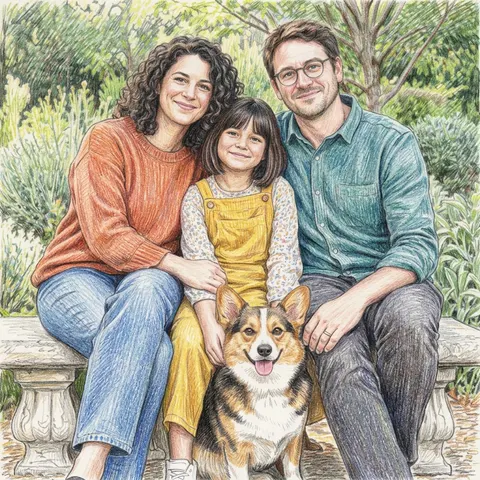
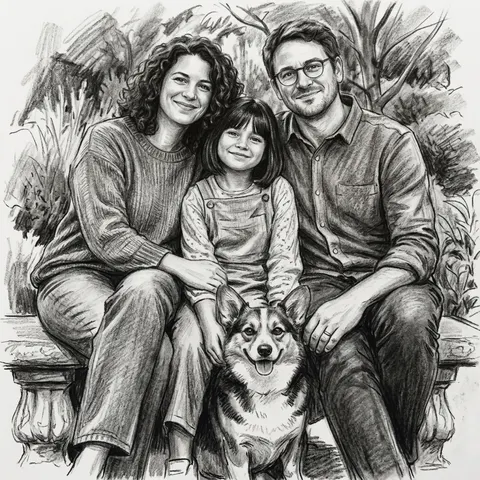
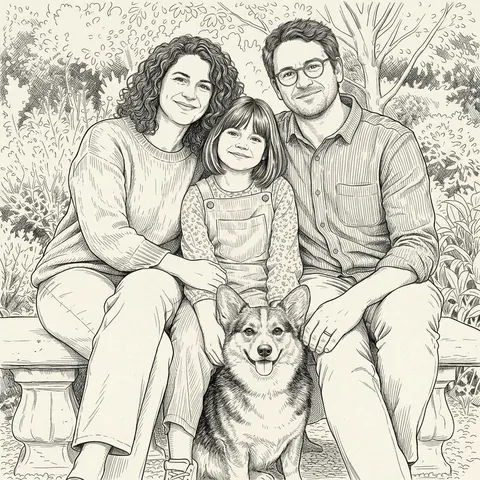
Compare pencil, colored pencil, charcoal, ink, simple line art and coloring-page looks from one photo. Each is an AI-created JPEG; details can change.
Restyle my photoStarts with Pencil Sketch. You can change styles before generating.
How to choose a photo for AI art · Compare the existing fictional examples before you start.
Choose pencil for graphite strokes, colored pencil for a drawn palette, charcoal for broad tones, or ink for hatching. Line Art simplifies contours; Coloring Page adds open areas to color. Both remain flat JPEGs, not SVG paths or vector cut files. Check line detail and your chosen print size before printing; no paper print is included.
OriginalKeep the details. Draw the moment.
 Original
Color and texture, drawn by hand.
 Original
Expressive shadows, recognizable features.
 Original
Turn your photo into a pen drawing.
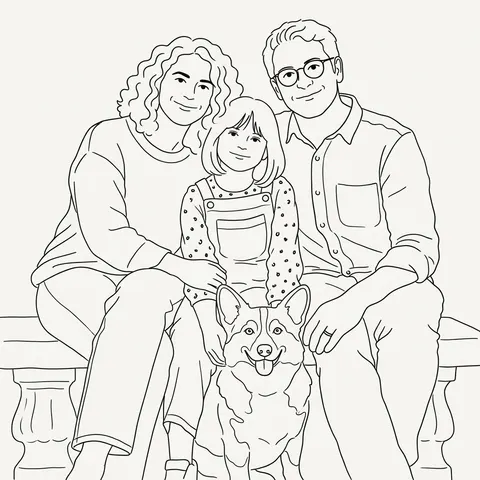 Original
A clean outline of what matters.
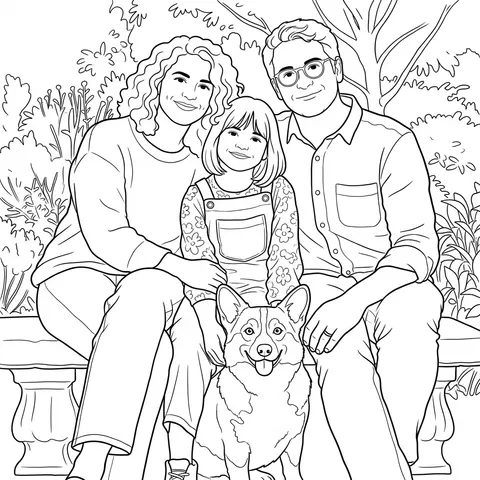 Original
Make a picture you can color.
Follow each effect’s own subject instructions. Keep the necessary faces or objects readable and review its published example.
Open a style for its actual example, input advice and limitations. Your choice carries into Create.
Check likeness and fine details before downloading your JPEG. Each new version uses one photo generation.