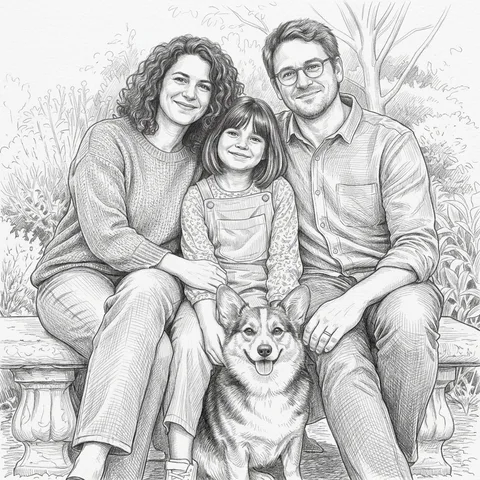
Graphite contours and deliberate hatching describe familiar faces, animals and architecture on light paper.
- You bring
- One existing photo; use a shared photo for couples or families
- You get
- One downloadable pencil sketch JPEG
Make something personal.
- Keep the details. Draw the moment.
- A favorite face or pet, in a different medium
- An existing shared moment, redrawn together
From idea to download.
- 01
Choose your photo
Pick a sharp photo with clear edges and avoid heavy blur around the eyes.
- 02
Keep what matters
Add an optional note about a detail to keep, then choose square, portrait or landscape. Couples and families start from one existing group photo.
- 03
Review and download
Check faces, subject count, markings and edges. Download the JPEG if it works for you; another generation is a separate paid attempt.
Before you begin.
How is a pencil sketch different from a black-and-white photo?
Pencil sketches build light and shadow from strokes and hatching. They do not simply remove the color from the source.
Can I use a photo of two people or a family?
Yes. Start with one existing photo showing everyone clearly. This preset redraws that composition; it does not combine separate portraits. Check the number of people and each person's likeness in the result.
What does a generation include?
One run creates one JPEG image for 10 credits. Choose square, portrait or landscape. Another version is a new generation with a new charge. If generation fails or the image is blocked by a safety check, the reserved credits are returned.
Are my photos public?
Your photos and results are private to your account. They are processed to create and safety-check your image, and are not published in a public gallery. Read our privacy page for service providers and retention details.